
WEBSITE AND TECHNICAL SEO / LAUNCH WORKSHEET
Dental Website Redesign SEO: A Migration Checklist
Use this dental website redesign SEO checklist before approving a new practice website. Inventory the existing pages, decide what stays, map changed URLs and test the patient journey before launch. After release, check the public site, redirects, search access and enquiry routing against the same recorded plan.
AI narration · UK English
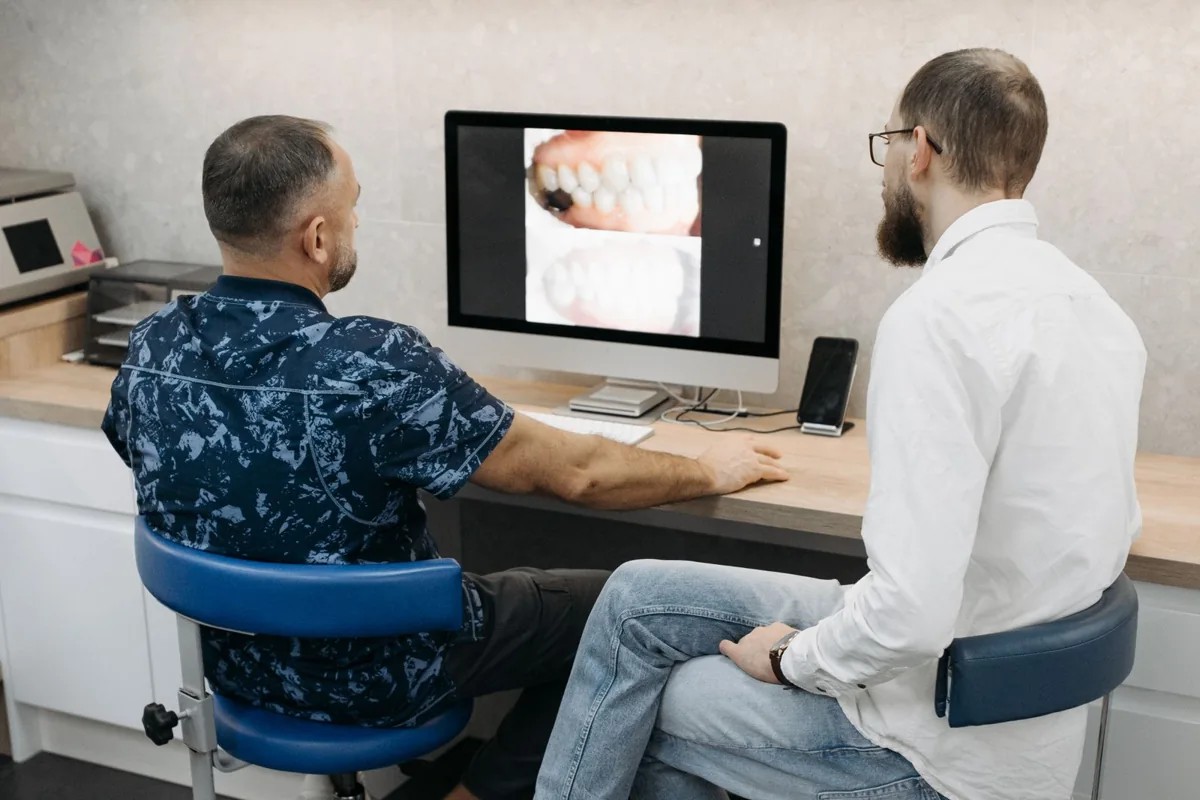
What should you record before redesigning a dental website?
Record the pages, patient journeys and technical settings that the redesign must preserve or deliberately change. Include available search and enquiry evidence, account access and operational dependencies. Agree the project’s acceptance checks early so the launch decision is based on working behaviour rather than the appearance of the homepage.
Start with an inventory of treatment pages, clinic pages, clinician information and contact routes. Add existing redirects and important documents where relevant. For each entry, record its current address, purpose, proposed action and owner. Mark unknowns clearly; a missing analytics record does not establish that a page has no value to patients.
Use available Search Console and analytics information to identify useful landing pages, then ask reception which pages they send to patients. These sources answer different questions. A modestly visited directions page may still be operationally important, while a high-traffic article may need a separate discussion about its relevance and accuracy.
Ask the developer to document dependencies such as hosting, booking software, form delivery, tracking and access recovery. A supplier can replace the visible page while leaving an old form endpoint or appointment integration in place. The acceptance plan should state who will test those dependencies and who can fix them if they fail.
For scope planning, our dental website design service connects page structure, migration and enquiry checks. Keep that workstream separate from optional visual refinements. A redesign is ready when the important journeys work and the changes are accounted for. A polished screen is only one part of that decision.
How do you map old URLs and decide what to keep?
Preserve useful URLs when there is no reason to change them. Where an address changes, identify the most relevant replacement and the intended redirect. Review removals explicitly so an old treatment page does not disappear simply because it was absent from the new designer’s navigation.
An illustrative mapping row could connect /implants/ with /treatments/dental-implants/ and name the clinician who approves the replacement content. Another row might retain /contact/ unchanged. A third could record a retired service with a deliberate response. These are planning examples, not addresses being changed on a real clinic site.
Google’s site-move guidance recommends preparing a URL mapping and appropriate redirects, then monitoring the move. Use that guidance for the technical plan. Avoid sending every retired address to the homepage without considering the reader’s original task. The destination should be a sensible continuation where an equivalent page exists.
Carry important content decisions into the map. If a new template shortens treatment information, ask the responsible reviewer what was removed and why. Do the same for team details, directions and complaints information. Preserve accurate, useful material rather than treating the old website as either untouchable or entirely disposable.
Test the mapping with representative pages from each template, then check the full inventory using appropriate tools. Our redirect checker can help inspect an individual public URL. Record the actual result and destination rather than marking a redirect complete because somebody added it to a spreadsheet.
| Existing address | Planned destination | Decision and check |
|---|---|---|
| /implants/ | /treatments/dental-implants/ | Change: test the permanent redirect and relevant replacement |
| /contact/ | /contact/ | Retain: check the contact route still reaches the correct team |
| /old-clinic/ | To be confirmed | Hold: resolve clinic status and destination before launch |
Which checks should decide whether the new site can launch?
Use a go/no-go checklist covering contact and booking, page access, redirects, content approval and mobile usability. A critical failure needs an owner and a retest before release. Keep the test environment separate from production and prepare the intended public settings without exposing unfinished pages to search.
Give someone outside the build team a simple mobile task: find a treatment, identify the correct clinic and show the next contact step. Check telephone links, appointment destinations and form validation. Use controlled test arrangements for submissions; do not put invented patient or contact records into the live practice inbox.
Check page titles, descriptions, canonical URLs and visible heading order across the important templates. Verify that public pages contain their essential information in rendered HTML and that images, styles and scripts load. Test a real treatment and location page, because a successful homepage check cannot establish that every template works.
Review the planned search controls. Public pages intended for indexing need the appropriate production settings; private, confirmation and API routes may need exclusions. Do not remove every restriction indiscriminately. Write down which settings change at launch and which must remain, then inspect the deployed output rather than trusting a CMS checkbox.
Before the final decision, the practice should approve current contact, team and treatment information. The GDC’s advertising guidance is relevant to the accuracy and professional information on a UK practice site. A redesign is a useful time to check those details, but it does not transfer clinical responsibility to the designer or SEO supplier.
| Check | Hold the launch if | Who retests |
|---|---|---|
| Patient contact | A critical branch call or booking route fails | Reception and implementation lead |
| Changed URLs | Important old pages reach the wrong destination | Developer or technical SEO owner |
| Public search access | Intended public pages retain staging restrictions | Technical release owner |
| Content accuracy | Important clinical or location facts lack approval | Responsible practice reviewer |
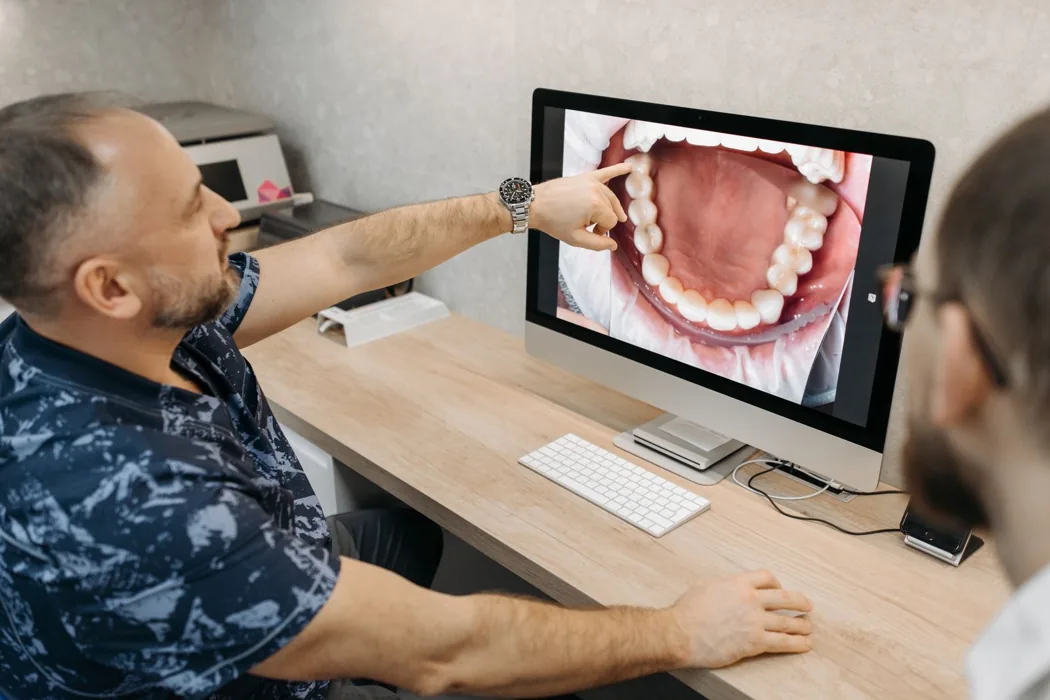
What should you verify immediately after launch?
Check the unauthenticated public site, important old URLs, the new canonical pages and the appointment journey as soon as the release completes. Verify the actual deployment rather than the preview that passed earlier. If a critical route fails, report the observed result and follow the agreed incident or rollback plan.
Our recommended first pass begins with the HTTPS homepage and any alternate hostnames the practice uses. Confirm the intended redirect destination, then open a treatment page and a clinic page directly. Record status codes, time and visible content. A platform dashboard reporting success does not prove that the custom domain reaches the right release.
Next, test changed URLs against the mapping and inspect the new site’s internal links. Google’s redirect documentation explains permanent and temporary redirect behaviour. For an intended permanent page move, confirm the planned status and final page. Repair avoidable chains and wrong destinations rather than accepting any response that eventually loads a homepage.
Review the generated sitemap against the intended canonical inventory. Google’s sitemap guidance recommends including the URLs you want shown in search, with consistent canonical choices. Keep private and confirmation routes outside discovery. Sitemap inclusion helps describe the inventory; it is not evidence that Google has indexed or ranked every listed page.
Finally, confirm forms and telephone routes using the agreed safe test method, inspect the deployed scripts and check that the analytics configuration is present. Record what you could verify and any measurement gaps. A working button animation cannot establish that an enquiry was saved, forwarded or received by the right reception team.
How should you investigate problems in the following weeks?
Compare the launch record with the evidence available for affected pages and journeys. Check technical access and measurement before attributing every traffic change to rankings. Separate a confirmed defect from a hypothesis, assign an owner and retest the fix over an appropriate period.
Use an illustrative triage: an old implant URL reaches the wrong branch, the new page is accessible, but calls are being routed elsewhere. Fix that confirmed journey problem first. Do not begin by rewriting every treatment page because the aggregate weekly report looks worse. The original mapping and acceptance record should make the defect easier to locate.
Search Console’s Page Indexing report can help investigate indexing states, while the URL Inspection tool gives information about a specific URL. Use the tools for the questions they answer. A page being accessible today does not mean the latest version has already been processed, and indexing alone does not establish useful visibility or bookings.
Keep a change log alongside the review. Record repaired redirects, corrected facts, tracking gaps and unresolved dependencies so the next reviewer can distinguish the initial release from subsequent fixes. Compare suitable time periods and note other campaigns, service changes or capacity constraints that may influence enquiries.
If the launch has left uncertainty about access, mapping or mobile booking, start with our technical SEO review and dental SEO service. Bring the old-to-new map and one example that fails. A specific reproducible issue gives the next conversation a practical starting point and a clear way to confirm improvement.
Sources and photography
Official sources are linked beside the relevant claims. Guidance and image licences reviewed on 20 November 2026. Worksheets and practice examples are illustrative; they do not describe a client result.
Cover photograph by Pavel Danilyuk. Inner photograph by Pavel Danilyuk. Used under the Pexels License. These stock subjects illustrate the topic and are not presented as RankDigital staff, clients or the clinics described in the examples.
Key takeaways
- Inventory pages and dependencies before choosing the new design.
- Preserve useful URLs and map every deliberate change.
- Use a go/no-go check for search access and patient journeys.
- Verify the actual public deployment and keep a repair log.
Summarise this article with AI
Open an assistant. For Claude, Grok or Poe, copy and paste the prompt.
 ChatGPT
 Claude
 Perplexity
 Google AI Mode
 Quora Poe
View or copy the prompt
Get Your Free
Dental SEO Audit
Find out how your clinic can rank higher, get more local
visibility and attract more patients — with a free, no-obligation SEO audit.
SEO analysisClear growth
opportunitiesActionable
next steps

Related articles
 RankDigital
Dental Group SEO: One Site or Separate Clinic Websites?
Choose a dental group website structure for SEO using brand continuity, clinic information, maintenance and migration needs, with practical UK examples.
Explore RankDigital
Dental Location Pages: What Should Each Clinic Page Include?
Use this dental practice location page template to organise branch details, team information, treatments and booking checks for your UK dental group.
ExploreSTART WITH YOUR BIGGEST OPPORTUNITY
Let’s turn the next question into a clear plan.
Share your website, your priorities and what you want to improve.
Request your free audit