BUILT TO HELP PATIENTS CHOOSE
Dental Website Design & SEO
A practice website must answer important questions without making patients work to find the information. The design should communicate services, suitability, clinician details and the next step clearly on mobile.
 Illustrative artwork
Treatment-page templates
Design around patient decisions
Make the service list, clinic details, opening information, appointment options and essential trust content easy to locate. Use a coherent visual system that reinforces the practice brand.
Prioritise task completion over heavy animations and decorative UI.
Protect technical SEO foundations
Plan URL architecture, metadata, accessible navigation, images, internal links, redirects and sitemaps during the build—not as a patch at the end.
Preserve existing useful URLs and track migration changes.
Improve forms and appointment paths
Use short, clearly labelled forms, click-to-call links, accessible buttons and helpful confirmation states. Test at real mobile and desktop widths.
Avoid capturing treatment or health details in an ordinary marketing form unless appropriately designed.
Plan accessible treatment information
Provide a treatment-page template that explains what the service is, relevant assessment considerations, clinic contact methods and verified clinician information. Put the most important booking or call action in an intuitive place, with usable contrast and touch targets on mobile.
Design headings and component variants that can be reused without duplicating the page's actual information.
Migrate without losing existing search equity
Audit current indexed URLs, existing internal links, ranking page intent, redirects, sitemaps and canonical tags. Test real contact and booking forms before changing DNS. Use staging noindex until the production site and redirect map are ready.
Create a URL preservation and post-launch indexation checklist.
A FEW USEFUL ANSWERS
Before you take the next step
Do you rebuild existing WordPress dental websites?
A rebuild may be appropriate, but it should follow a content and SEO migration plan. Existing search equity and working functionality must be protected.
CONTINUE EXPLORING
Connected services and resources
 RankDigital
SEO Website Design & Development
Responsive, accessible and search-ready websites built for performance, clear content architecture and enquiries.
Explore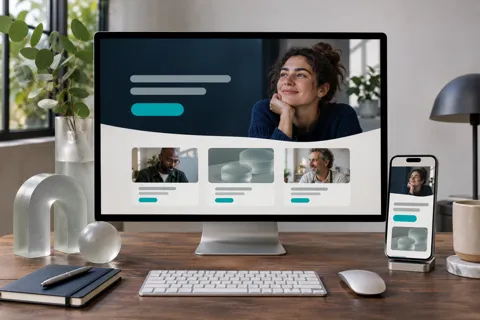 Conversion & growth
SEO Landing Page Design & Development
Create fast landing pages that match search intent, establish trust and help visitors convert.
Explore Dental growth
Dental SEO Agency UK
UK dental SEO services built around treatment visibility, Google Maps, technical SEO and qualified patient enquiries.
ExploreSTART WITH YOUR BIGGEST OPPORTUNITY
Let’s turn the next question into a clear plan.
Share your website, your priorities and what you want to improve.
Request your free audit