
DENTAL WEBSITES / MIXED PRACTICES
NHS and Private Dental Website Structure
A clear NHS and private dental website structure explains which appointment routes the practice offers and who can use them. Keep NHS availability and private booking distinct. Give each shared treatment one useful page when it can explain the relevant arrangements without creating two competing journeys.
AI narration · UK English
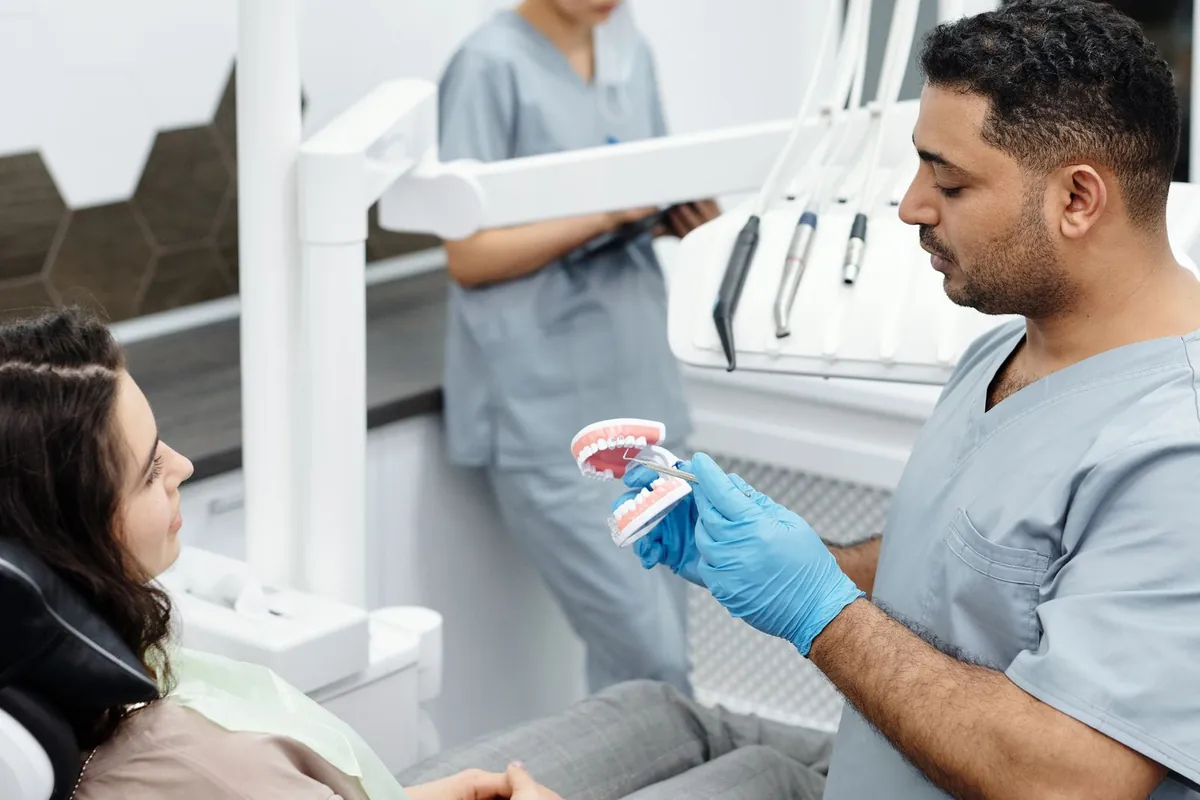
How should a mixed dental practice organise its website?
Give NHS and private care distinct routes from the homepage and new-patient page. Keep a shared treatment directory where it helps people find a service by name. State which funding routes actually apply at each branch and give each page a named owner who can verify its content.
Start with an inventory of branch, treatment, funding route, current appointment path and reviewer. Record what the practice offers under the NHS or privately, where it offers it and what reception can say if an assessment is needed. Resolve gaps with the practice manager or contract lead. Avoid relying on whether staff recall doing a particular treatment recently.
As an illustrative map, create a page for NHS appointments and availability, a page for private new-patient appointments and a directory for treatments. An existing patient can use a contact route with the correct branch number. A patient comparing services can open a treatment page, see the relevant arrangements and follow the appropriate appointment path.
If the practice runs several branches, show the appointment routes against each actual location. A branch that offers private assessments may have a different diary and booking system from the site providing NHS care. Give both pages helpful directions, opening hours and contact information. Make the brand homepage useful for selecting a branch.
Give internal owners responsibility for specific facts. The practice manager can approve whether a branch publishes its current availability. The clinical team checks descriptions of treatment and conditions. Reception verifies the phone route, callback expectation and diary. The website owner updates the pages and records what changed. In a small team one person may cover several responsibilities.
Use the dental practice website design service to check the structure against the tasks patients describe. Confirm coverage with staff before adding it to menus or footers. The GDC’s advertising guidance asks practices to state on their site whether they provide NHS care, private care or both. Reflect the clinic’s arrangements in plain language.
How should you explain NHS availability and appointment options?
Show whether the branch is currently accepting new NHS patients, how often that statement is reviewed and the correct route for an enquiry. Keep the information separate from private availability. The NHS advises patients in England to contact a dentist and ask for an NHS appointment, especially where the practice provides both types of care.
Place the NHS status near the top of the NHS page and near the relevant appointment action. If the team can only confirm availability when contacted, tell people how to check and when reception can respond. If the branch is unable to accept new NHS patients at present, give the appropriate official route to check for another practice.
Avoid saying “taking new patients” on its own if the practice has different availability for NHS and private care. Review the wording on Maps, public directory profiles, the homepage and the branch page. Make sure the details and dates agree. Where another organisation owns a profile, give a named employee the responsibility to request corrections.
Do a practice-wide search of the wording before updating the page. Look at navigation labels and any automatically generated location cards as well as the body copy. A card that sends an NHS patient to the private scheduler can create confusion even if the NHS page itself is accurate. Review the destinations and descriptive labels together.
Agree a review frequency that matches how often capacity changes. An active intake period may need frequent checks with reception. When a branch pauses intake, update the published status and have a named person confirm the same message is used across the available contact routes.
Write the page around the actual commitment each step makes. An enquiry is a request for information, a callback is a conversation and a confirmed appointment is a diary booking. This distinction matters when a practice cannot provide availability instantly, or when reception checks a condition before offering an appointment.
Provide a route for existing patients with routine questions and make urgent contact information easy to find. Confirm the advice for the UK nation where the practice is based before publishing local instructions. Keep the phone greeting, closure notices and urgent page consistent when the clinic’s hours change.
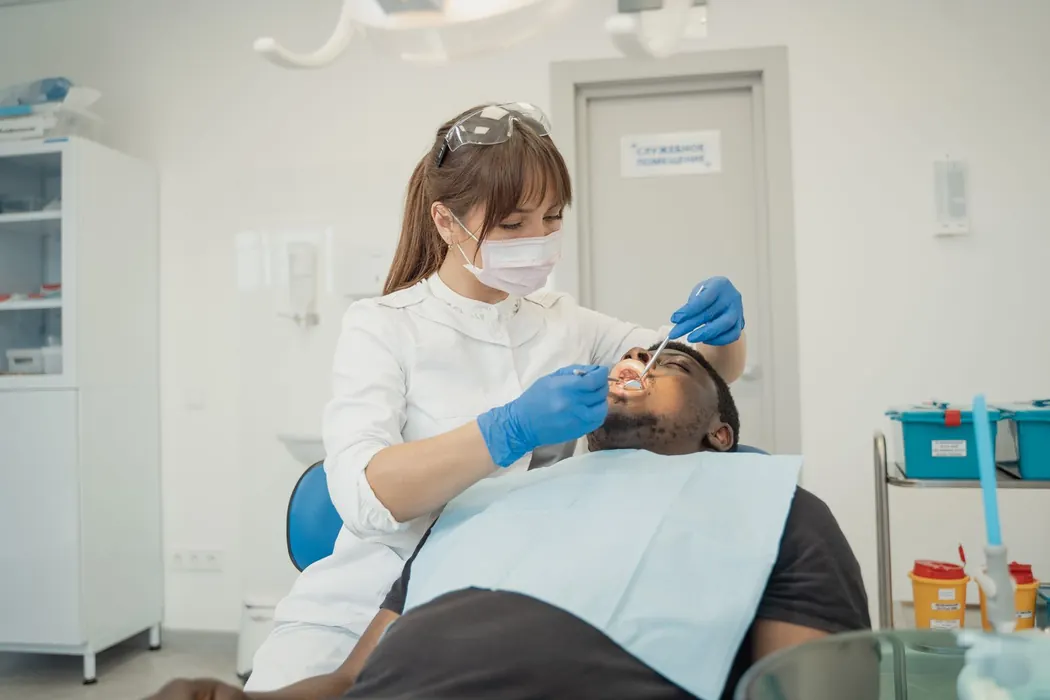
NHS information on finding a dentist in England
When should a treatment have one page or separate pages?
Use one treatment page when the reader is trying to understand the same service and the practice can explain NHS and private availability clearly in that context. Split pages when each explains a genuinely different offer, location or appointment process. Give every page a clear treatment owner and next step.
For a treatment that might be available in different arrangements, explain that the practice confirms the correct route and estimated cost after assessment where applicable. Use headings or a short table to show which facts are general and which apply only to a specific branch or offer. Avoid providing a consultation quote that the team cannot honour.
For an illustrative example, an overview of restorative care may be useful to all visitors. A separate page for a specific privately offered cosmetic consultation may have a different audience, appointment process and fee. Link them where it helps someone make a decision. Use dental treatment SEO to map distinct services and consultation routes.
Check the national guidance on dental charges and link to the version that applies to the practice. If you publish a price or an estimate, make the arrangement and conditions clear. The GDC’s communication standard says that when a patient receives a mixed treatment plan, the plan should show which elements are provided under which arrangement.
Use a content register to track where each cost, appointment route and branch fact appears. Put a review date next to wording that can go stale. If a service moves to another location, update the menu link, treatment page, branch page and any related booking message together so the patient gets the same answer.
How should you test the NHS and private booking routes?
Test three realistic journeys on a phone: an NHS enquiry, a new private appointment and an existing patient contacting their branch. Check the route with reception and record whether the final screen matches what the team receives. Recheck the paths after changes to availability, hours or appointment systems.
Ask someone unfamiliar with the site to start on a treatment page from search, then work through the visible links. Can they see which branch offers the next step? Can they tell whether they are booking an appointment or requesting a call? Ask them to explain the next action before following it so you can see where the wording creates the wrong expectation.
In a controlled test with the booking team, verify labels, opening hours and diary routing. Use an approved internal test method and keep clinical details in the practice system. If a confirmation can be sent, compare it with the information staff receive. Fix the message or routing before changing site copy aimed at increasing submissions.
Keep NHS and private outcomes distinct in reporting and give reception a way to flag misrouted contacts. Start with one branch and count the number of people who had to call back because the instructions were unclear. Improve the wording and run the same test after the next update, using the dental enquiry tracking service if you need a repeatable measurement setup.
- Label NHS, private and urgent paths clearly.
- Confirm published availability with the appropriate branch.
- Verify requests and appointments reach the right diary.
- Update patient-facing wording when reception instructions change.
Key takeaways
- Build around services, funding and actual appointment routes.
- Keep public NHS availability accurate and branch-specific.
- Test every handover with reception before promoting it.
Featured photo: Cedric Fauntleroy on Pexels · Inner photo: Tima Miroshnichenko on Pexels
Summarise this article with AI
Open an assistant. For Claude, Grok or Poe, copy and paste the prompt.
 ChatGPT
 Claude
 Perplexity
 Google AI Mode
 Quora Poe
View or copy the prompt
Get Your Free
Dental SEO Audit
Find out how your clinic can rank higher, get more local
visibility and attract more patients — with a free, no-obligation SEO audit.
SEO analysisClear growth
opportunitiesActionable
next steps

Related articles
 RankDigital
Dental Practice Homepage Structure
Plan a dental practice homepage structure with a mobile wireframe, clear new-patient navigation and booking routes for your priority treatments.
Explore RankDigital
Dental Membership Plan Website Marketing
Use dental membership plan website marketing to explain costs, inclusions, eligibility and joining steps on a page your reception team can support.
ExploreSTART WITH YOUR BIGGEST OPPORTUNITY
Let’s turn the next question into a clear plan.
Share your website, your priorities and what you want to improve.
Request your free audit